![nopsec-full-logo-white.png]](https://support.nopsec.com/hs-fs/hubfs/Images/Logos/NopSec%20Logos/nopsec-full-logo-white.png?height=40&name=nopsec-full-logo-white.png)
Step 1: Log in to the Crowdstrike Falcon Console
Begin by opening your web browser and navigating to your Crowdstrike Falcon console URL. Log in with an account that possesses the necessary administrative privileges to manage API clients.
Step 2: Navigate to API Clients and Keys
On the left-hand side navigation menu, locate and expand the "Support" section. Within this section, click on "API Clients and Keys."
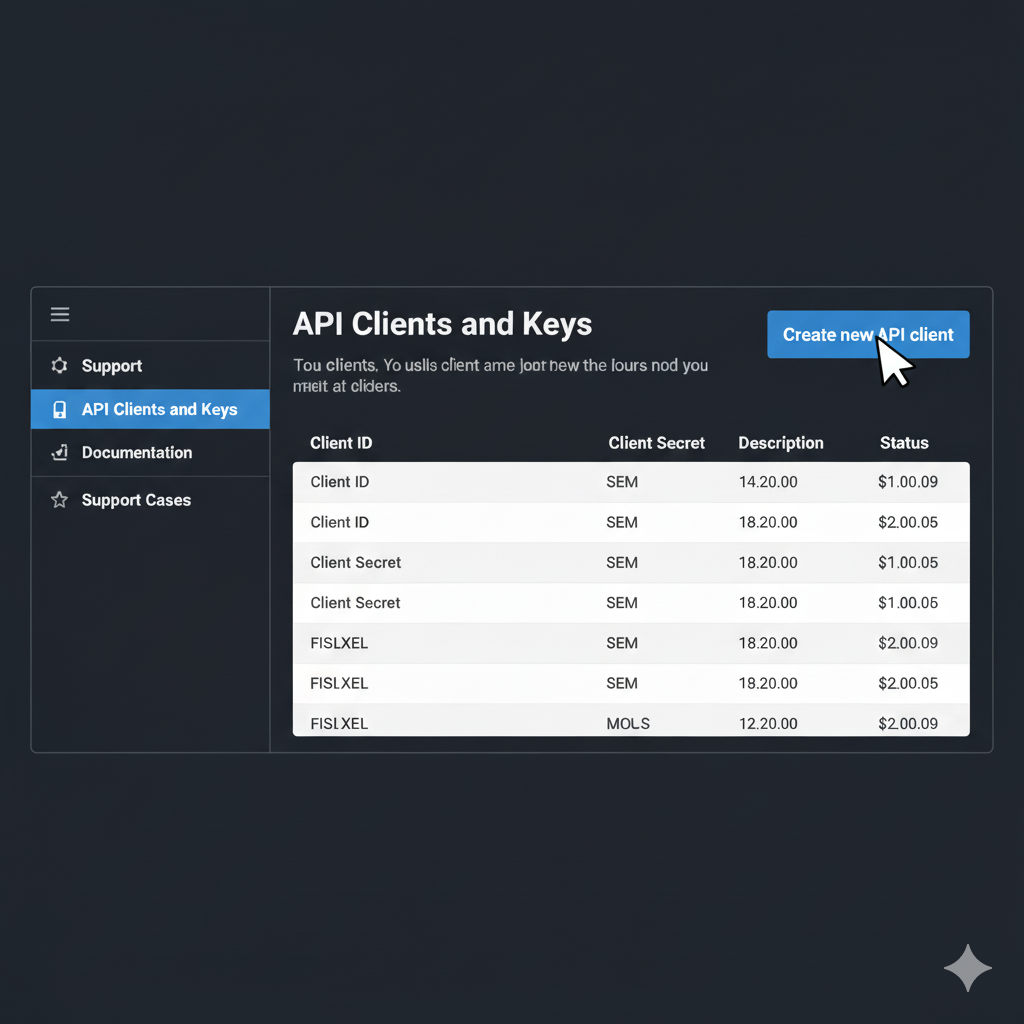
Step 3: Create a New API Client
On the "API Clients and Keys" page, click the prominent "Create new API client" button, usually located in the top right corner. This will open a new dialog or page for configuring your API client.
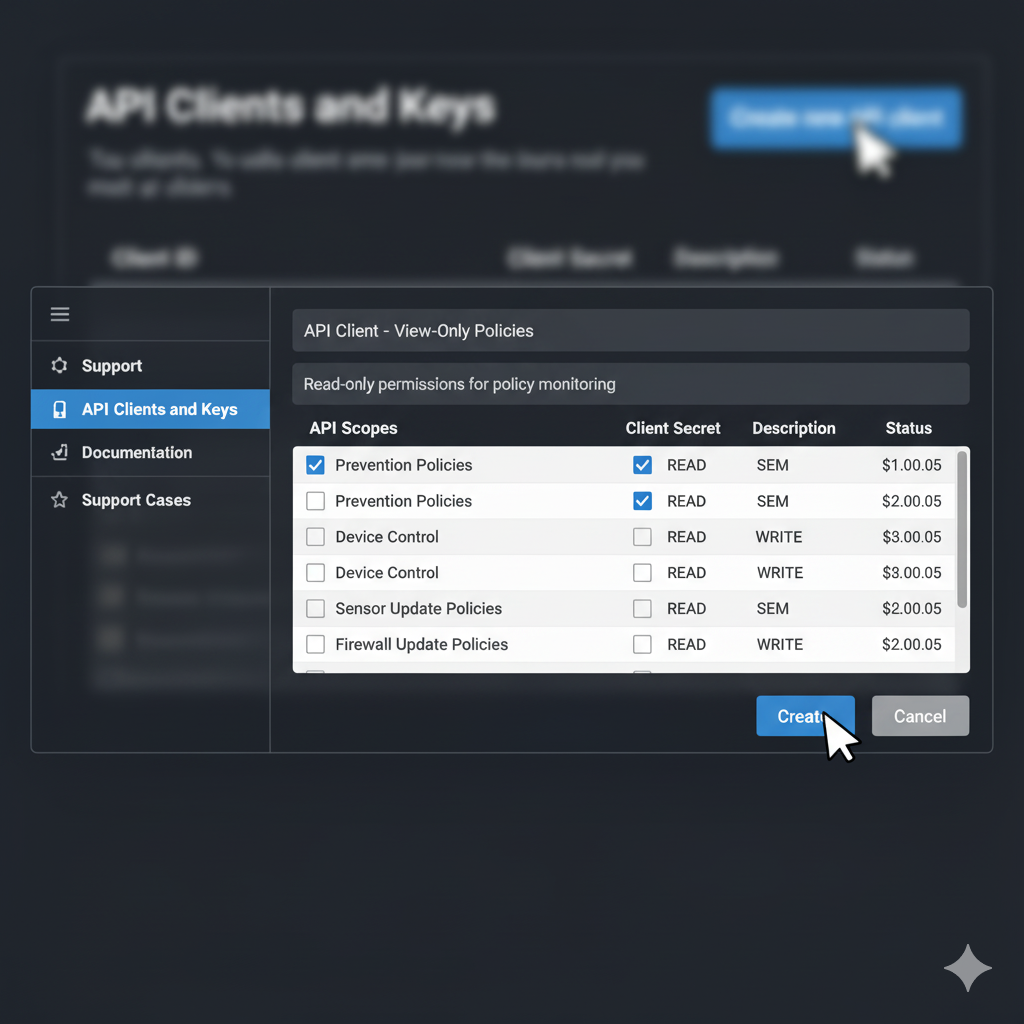
-
Navigate to Integrations in the NopSec UI and select the option to add the Checkmarx

-
Enter Integration Access Info: When prompted enter the following information and click the "Save and Connect" button:
- Connection Name: Unique name for this integration
- Client ID: The Key ID created in the previous steps.
- Client Secret Key: The secret key generated when creating the API Key ID in previous steps.
- SAVE and CLOSE